
Regulated Employers: Roll with Paid vs Gusto: When an EOR Is Safer

If you run a regulated or high-risk business, a payroll-only tool rarely covers what you actually need, and a managed compliance partner like Roll with Paid is the safer route. If you run a mainstream small business that wants built-in HR and benefits, Gusto’s higher tiers might be a fit. Roll by ADP wins on price and mobile speed for simple, low-headcount payroll. The sections below explain key differences between these payroll options. Meanwhile, Roll With Paid has a model that is totally different and is likely the best option for your high-risk business. Read the full breakdown on Roll with Paid vs. Gusto.
TL;DR:
- For regulated or high-risk businesses, a compliance-focused provider like Rollwithpaid offers better audit readiness than basic payroll tools.
- Roll by ADP caps costs with a flat rate of $39 per month plus $5 per employee, billing based on active-pay months, which benefits seasonal or small teams.
- Gusto’s higher tiers provide integrated HR features like onboarding and benefits, but the lower Simple tier limits most multi-state and HR functionalities.
- Both platforms handle core payroll tasks, but differences emerge in multi-state payroll management, handling of retro pay, garnishments, and off-cycle bonuses, requiring trial testing.
- High-risk industries should prioritize vendors that emphasize compliance support, worker classification accuracy, and proper record retention over simple payroll automation.
Table of Contents
- Roll by ADP vs. Gusto: Pricing and Plans Compared
- What Payroll Features Does Each Platform Actually Support?
- HR Features, Benefits, and Integration Support
- Why Payroll Software Alone Isn’t a Compliance Program
- Mobile-First Chat vs. Web Portal: Which Fits Your Team?
- Which Payroll Platform Fits Your Business Profile?
- What Buyers Overlook When Comparing Payroll Vendors
- Get a Compliance Review Before You Sign With Either Vendor
- Sources
- FAQ
Roll by ADP vs. Gusto: Pricing and Plans Compared
Roll by ADP advertises a three-month free trial, then bills $39 per month plus $5 per employee once the trial ends, deducted straight from the company’s bank account each month according to ADP’s own FAQ page. That structure favors small or seasonal teams because ADP tends to bill around active-pay months rather than flat headcount, which matters if your crew shrinks in winter or grows for harvest season.

Gusto works differently. It sells three tiers, Simple, Plus, and Premium, and gates its more useful features behind the pricier ones. Multi-state payroll ease, deeper onboarding tools, and benefits administration mostly live in Plus and Premium, while Simple can be restricted to single-state payroll according to G2’s comparison data.
To model real cost, skip the “price times headcount” shortcut. Instead:
- Count only months you actually run payroll, not the full calendar year.
- Add contractor payments separately, since some vendors bill 1099 workers only when paid.
- Price benefits administration fees separately if you plan to use them.
Statistic Callout: ADP’s advertised base rate ($39/month + $5/employee) undercuts Gusto Simple’s published starting price for a comparable single-state setup, though the gap narrows fast once you need multi-state coverage or HR extras.
What Payroll Features Does Each Platform Actually Support?
Both platforms handle the fundamentals: W-2 and 1099 payments, automated federal and state tax filing, and direct deposit. Where they diverge is in the details you only notice mid pay-run, not on a features page.
Multi-state payroll is the clearest fork in the road. Gusto’s multi-state handling improves substantially once you’re on Plus or Premium, while lower tiers can limit you to single-state setups per G2’s breakdown. ADP markets itself as straightforward for multi-state hiring too, but you should confirm whether either vendor registers new state tax accounts for you or expects you to handle registrations yourself.
Edge cases are where checklists fall apart. Retro pay corrections, garnishment processing, tipped-wage calculations, and off-cycle bonus runs behave differently across platforms, and vendor marketing rarely spells out the mechanics. ADP’s own documentation recommends running a simulated pay cycle covering bonuses, retro corrections, and garnishments specifically because these expose workflow gaps that summary comparisons miss, according to ADP’s feature page on raises, bonuses, and garnishments.
- Verify processing cutoff times before your first live payroll.
- Ask how each vendor flags errors before submission, not after.
- Test a garnishment and a terminated-employee final check during any trial.
Pro Tip: Roll with Paid is different then both of their models, Let us show you the difference and see for yourself. Run one full “messy” pay cycle in a trial account, complete with a bonus and a correction, before you commit. That single test tells you more than any comparison chart.
HR Features, Benefits, and Integration Support
Gusto is built as an HR platform with payroll attached, not the other way around. Its higher tiers include onboarding workflows, benefits administration, and PTO accrual tracking, which effectively replace a chunk of what an HR generalist would otherwise manage by hand in spreadsheets according to G2’s comparison.
ADP takes the opposite approach. It’s built payroll-first, with a fast, mobile-driven experience, but full HR workflows like structured onboarding, benefits enrollment, or PTO policy management often require a separate tool per Fondo’s comparison of the two platforms. That’s not a flaw so much as a design choice, but it changes your total cost if you have to add third-party software to fill the gap.
Integration depth follows the same pattern. Both connect to accounting software like QuickBooks and to time-tracking tools, but Gusto’s broader HR footprint tends to reduce the number of separate systems you need to stitch together. If your business already runs lean HR processes and just needs payroll to work, that gap matters less.
- Gusto (Plus/Premium): onboarding, benefits admin, PTO accrual built in.
- ADP: payroll-first, HR extras typically require outside tools.
- Both: QuickBooks and time-tracking integrations available.
Why Payroll Software Alone Isn’t a Compliance Program
Running payroll on time is not the same as being audit-ready. Payroll automation handles wage calculations and tax filings, but it doesn’t verify worker classification, confirm your workers’ comp codes match actual job duties, or maintain the paper trail regulators expect during an audit. That gap matters most for cannabis and other high-risk industries, where G2’s own comparison notes that buyers should evaluate classification, multi-state registration, I-9 onboarding, and garnishment handling separately from basic payroll features.
Treat payroll platforms as automation tools, not full compliance vendors. A regulated employer that relies on software alone is often carrying more legal exposure than it realizes, and a managed Employer of Record model tends to close that gap more reliably than software features bolted onto a payroll product.
This is where some managed payroll providers differentiate from a software subscription. Some employ an Employer of Record approach built around audit-readiness, emphasizing timely filings as a sign of discipline. For businesses in 280E-affected industries, that distinction between “payroll runs” and “payroll is defensible” carries real weight.
Before signing with any vendor, high-risk employers should ask:
- Who handles state tax and workers’ comp registrations, us or you?
- What worker classification and classification code support is included?
- How are I-9 and E-Verify records stored and retained?
- What does an audit-trail export look like if a regulator asks?
Companies weighing this against general compliance-program standards outside payroll can also look at how crypto startups document compliance records, a useful parallel for any regulated industry building an audit-ready paper trail.
Mobile-First Chat vs. Web Portal: Which Fits Your Team?
ADP leans hard into a mobile, chat-driven interface, letting you run payroll through short conversational prompts rather than a full desktop dashboard. It’s built for speed, especially for owner-operators running payroll between other tasks.
Gusto’s experience centers on a broader web portal, and its larger reviewer base on G2 reflects heavier use of self-service features like employee pay-stub access and benefits enrollment according to G2’s review data. If your employees expect to log in and manage their own info, that portal depth counts for something.
- ADP: mobile-first, chat-driven, fast for solo operators.
- Gusto: web-portal depth, stronger employee self-service.
- Both: test support responsiveness before a real tax deadline hits.
Pro Tip: Before your trial ends, contact support with a real question, not a generic one, and time how long a genuine answer takes. That response speed is what you’ll rely on the week a tax notice shows up.
Which Payroll Platform Fits Your Business Profile?
- Solo or two-person business, tight budget: ADP’s lower advertised base fee and mobile-first design fit simple, single-state payroll runs best.
- Growing company formalizing HR: Gusto Plus or Premium covers onboarding, benefits, and PTO tracking that would otherwise need separate software.
- Multi-state employer without in-house HR staff: Confirm whether Gusto’s tier or ADP’s setup actually registers state accounts for you before assuming either handles it automatically.
- Regulated or high-risk business (cannabis, tribal-adjacent, other 280E-affected sectors): A managed compliance partner like Roll with Paid, built around an Employer of Record model, tends to outperform a payroll-only subscription on audit-readiness and classification accuracy.
What Buyers Overlook When Comparing Payroll Vendors
Most comparison checklists test the wrong thing. They compare marketed features instead of running an actual messy pay cycle, a retro correction, a garnishment, a multi-state hire mid-quarter, and that’s exactly where differences surface. Document every approval and correction as you go; a spreadsheet with no audit trail is worse than no automation at all if a regulator or workers’ comp carrier ever asks questions.
Software can automate calculations, but it can’t take on legal responsibility for classification errors or missed filings. That’s the real gap between a payroll tool and a managed service. For businesses in high-risk categories, that gap is exactly where a specialized partner earns its fee.
— Leah
Get a Compliance Review Before You Sign With Either Vendor
If your business operates in cannabis, cultivation, or another high-risk category, the real question isn’t ADP versus Gusto. It’s whether either one covers worker classification, multi-state registration, and audit documentation the way a regulator will expect. Roll with Paid built its Employer of Record model specifically for employers that traditional payroll providers turn away, with audit-ready processes and a track record of zero late filings.
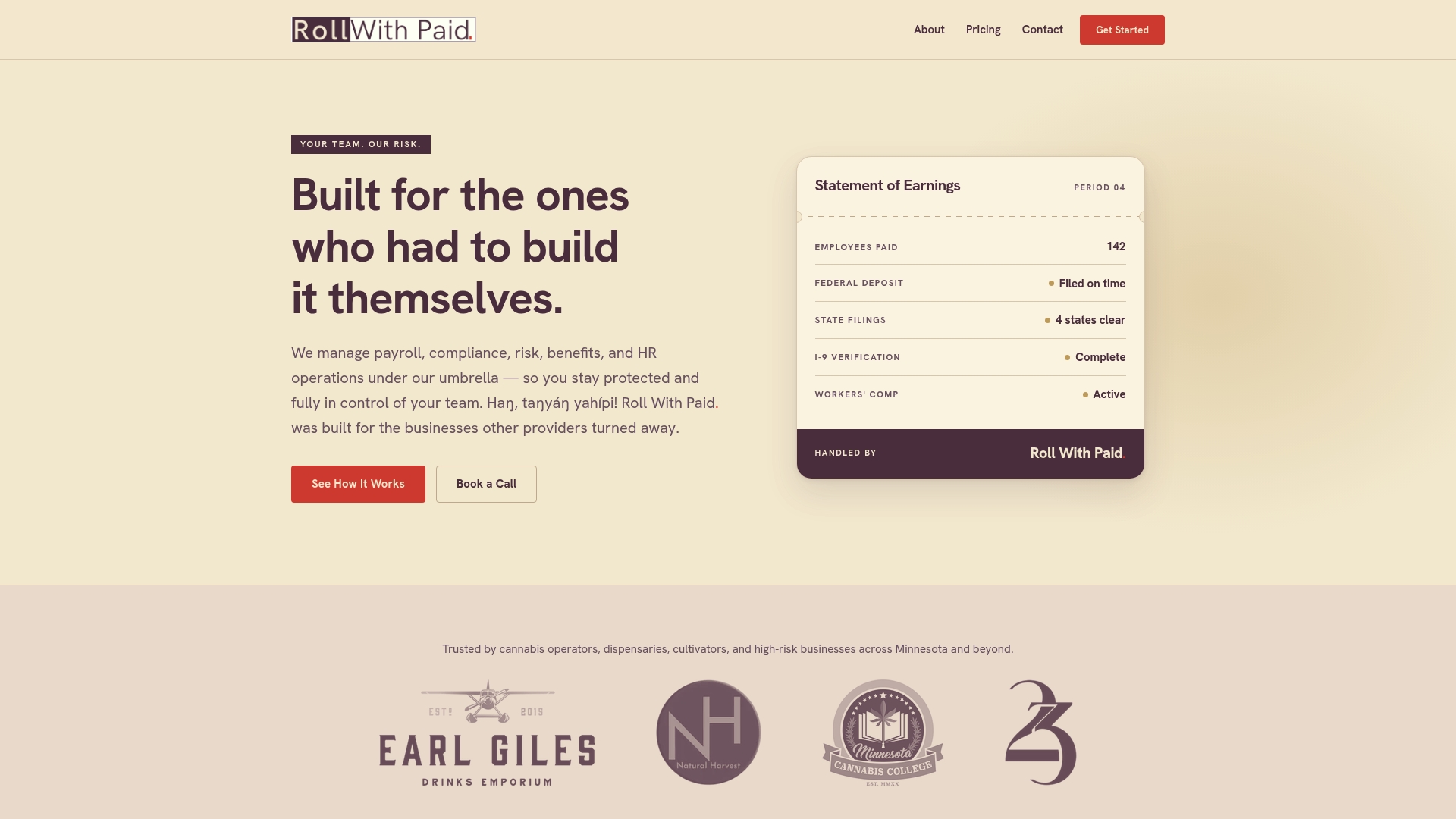
Getting started typically begins with a compliance review of your current payroll and HR setup, followed by a tailored onboarding process and ongoing support through Roll with Paid’s Employer of Record and payroll execution services. Service rates depend on gross payroll and worker classification codes, so check current pricing directly on the Rollwithpaid pricing page and request a quote before your next pay cycle.
Sources
For pricing and billing mechanics, check ADP’s own pricing page and FAQ. For feature and tier comparisons, G2’s Gusto vs. ADP comparison breaks down reviewer feedback on both. For cannabis-specific payroll pitfalls, see Rollwithpaid’s guide on payroll mistakes cannabis businesses can’t afford.
- Unlimited Payroll for $39 / Month | Roll by ADP
- Gusto vs Roll by ADP Comparison – What are their main differences?
-
Roll with Paid vs. Gusto – How an EOR might be a better solution for high-risk employers
FAQ
What Are the Downsides of Gusto Payroll?
Gusto’s biggest downside is tier-gating: multi-state payroll ease, deeper onboarding, and benefits administration mostly live in the Plus and Premium plans, and Simple can be restricted to single-state use according to G2’s comparison. That means smaller businesses often end up paying for a higher tier just to unlock features they assumed came standard.
Is There Anything Better Than Gusto?
“Better” depends on what you need. Roll by ADP tends to be cheaper and faster for simple, mobile-first payroll, while Roll with Paid’s Employer of Record model is the stronger option for regulated or high-risk businesses that need compliance support software alone can’t provide.
Is Roll by ADP or Gusto Better for Payroll?
Neither is strictly better. ADP wins on price and mobile speed for simple, low-headcount payroll, while Gusto wins on HR depth once you need benefits administration or structured onboarding built in. Regulated employers typically need more than either offers alone.
Does Roll by ADP Offer a Free Trial?
Yes. ADP advertises a three-month free trial, after which billing moves to $39 per month plus $5 per employee, deducted monthly from the company’s bank account per Roll’s FAQ.
What Does Rollwithpaid Cost?
Roll with Paid’s service rate and HR retainer pricing depend on gross payroll and worker classification, so current rates are available directly on the Roll with Paid pricing page rather than a flat published number.
Recommended
- Understanding Employer of Record for High-Risk Industries
- What Is an Employer of Record — and Why It Matters for Your Benefits
- 280E and Payroll: What Cannabis Employers Need to Understand
Roll With Paid. is not a law firm and does not provide legal advice. This article summarizes Minnesota law as of August 2026 and is general information only. Tip arrangements are fact-specific; before changing a policy, consult employment counsel or contact DLI Labor Standards at 651-284-5075.